
前言
本文中,对于 Elasticsearch、kibana、Elasticsearch-head的基本使用,做一个演示
参考文献
ES官方文档:https://www.elastic.co/guide/cn/elasticsearch/guide/current/index-doc.html
| DB | Elasticsearch |
|---|---|
| 数据库(database) | 索引(indices) |
| 表(tables) | 类型(types) |
| 行(rows) | 文档(documents) |
| 字段(columns) | 字段(fields) |
CURD预览
| 示例名称 | 请求类型 | 路由 |
|---|---|---|
| 新建索引 | PUT | /{index}/{type}/{id} |
| 查询索引 | GET | /{index}/{type}/{id} |
| 更新索引 | POST | /{index}/{type}/{id} |
| 删除索引 | DELETE | /{index}/{type}/{id} |
路由
一个文档的 _index 、 _type 和 _id 唯一标识一个文档。 我们可以提供自定义的 _id 值,或者让 index API 自动生成。举个例子,如果我们的索引称为 website ,类型称为 blog ,并且选择 123 作为 ID ,那么索引请求应该是下面这样:
1 | PUT /website/blog/123 |
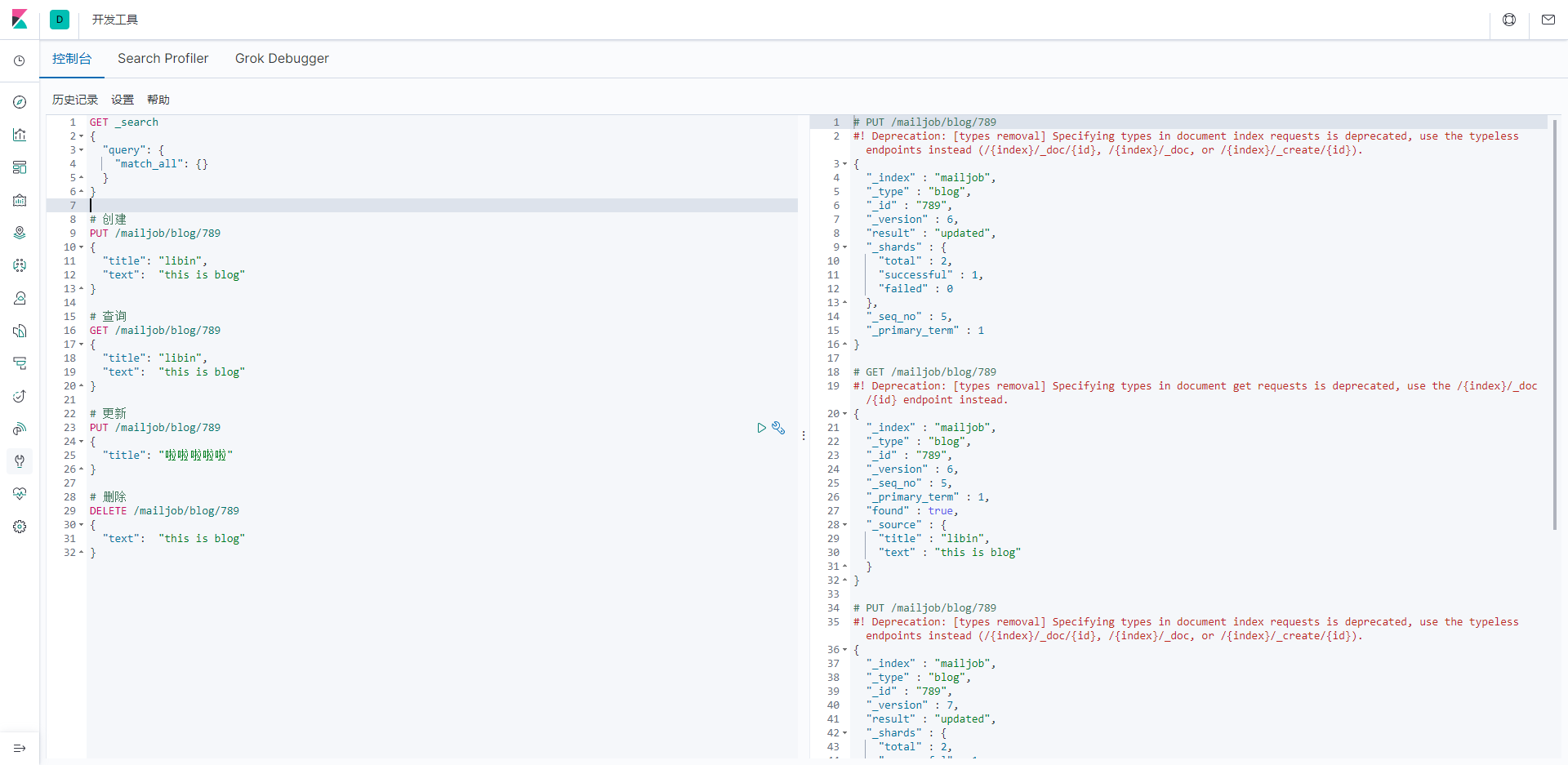
kibana使用
1 | # 创建 |
Elasticsearch-head使用

Elasticsearch在linux使用
查询
1 | [root@VM-0-15-centos home]# curl -X GET 'http://127.0.0.1:9200/mailjob/blog/789' |
更新
1 | [root@VM-0-15-centos home]# curl -H 'Content-Type: application/json' -X POST 'http://127.0.0.1:9200/mailjob/blog/789' -d'{"title": "libin"}' |
ik分词器测试
IK提供了两个分词算法:ik_smart 和 ik_max_word,其中 ik_smart 为最少切分,ik_max_word为最细 粒度划分
1 | GET _analyze |
1 | GET _analyze |
1 | GET _analyze |